The Laser
Center of a round workpiece
Three points on the edge are enough to find the center and diameter of a disc, a square or a hexagon, then center the job on it.
Laser menu › Find the Center of a Workpiece…: bring the pointer onto the edge of the workpiece at three well-separated points (in any order) and save each position. Bernie computes the center and the diameter (also for a square — three corners —, a hexagon or an equilateral triangle), then, as you choose:
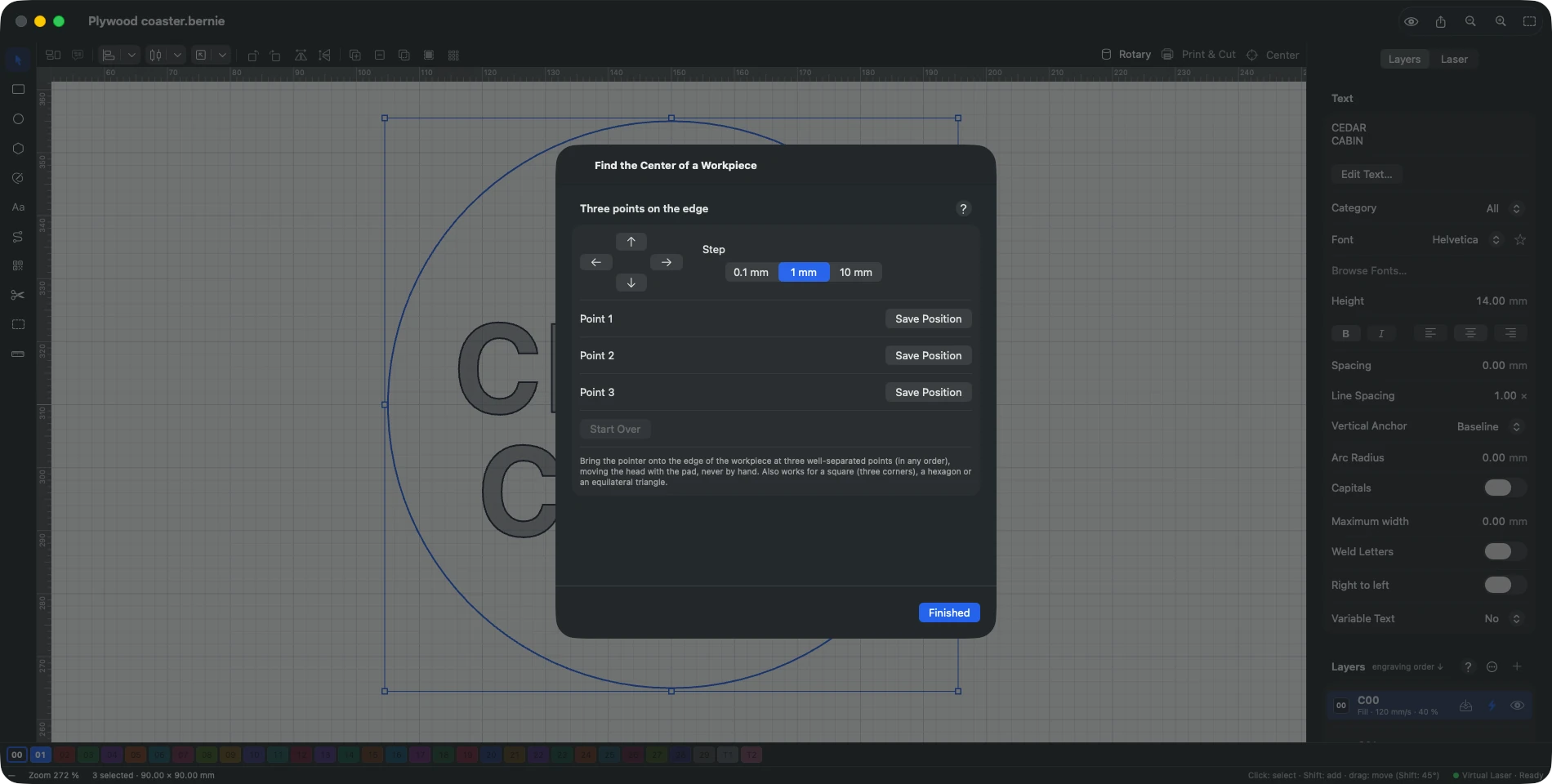
- Move Head to Center;
- Add Guide Circle to Project (layer T1, never engraved) to see the workpiece in the workspace;
- Center Selection on Workpiece (start in absolute coordinates);
- User Origin at Center: the job starts from the user origin, centered on it.
This manual is also built into Bernie: press F1, or open the Help menu, to read the topic for what you are doing. A mistake, a missing answer? Tell us
Try it in Bernie, for free.
Free laser engraving and cutting software for diode, CO2, fiber and galvo lasers. Windows, Mac, Linux, iPad, iPhone and in the browser.