Connection & control
Your laser connected and under control in seconds
USB, Wi-Fi or Ethernet: Bernie finds the machine, reads its settings and leaves you in charge of everything — from framing to the job log.
In detail
Connection
- Find My Laser USB detection at 115,200, 250,000 and 460,800 baud, with a profile created from the machine.
- Network Wi-Fi and Ethernet lasers (grblHAL, FluidNC), automatic discovery of advertised lasers.
- Reading the controller Differences with the profile flagged: max power, laser mode, travel, accelerations.
- Virtual lasers Virtual GRBL, galvo, Ruida and JCZ board to try everything without hardware.
Devices
- A catalog of 17 machines Atomstack, Creality, Emblaser, Ortur, Sculpfun, Snapmaker, WorldStarTech, xTool.
- Controllers GRBL, grblHAL, FluidNC, Marlin, Smoothieware, custom G-code (Duet, Mach3/4, UCCNC) and Ruida.
- $$ settings Read, edit with a backup, restore; turn on laser mode.
- Calibration Steps per mm for an axis, orientation checked with an engraved letter F.
Controlling the machine
- Frame Rectangle or outline of the job, looped, laser off; framing outside the work area is refused.
- Commands Home, jog, saved positions, “move the head here”, autofocus.
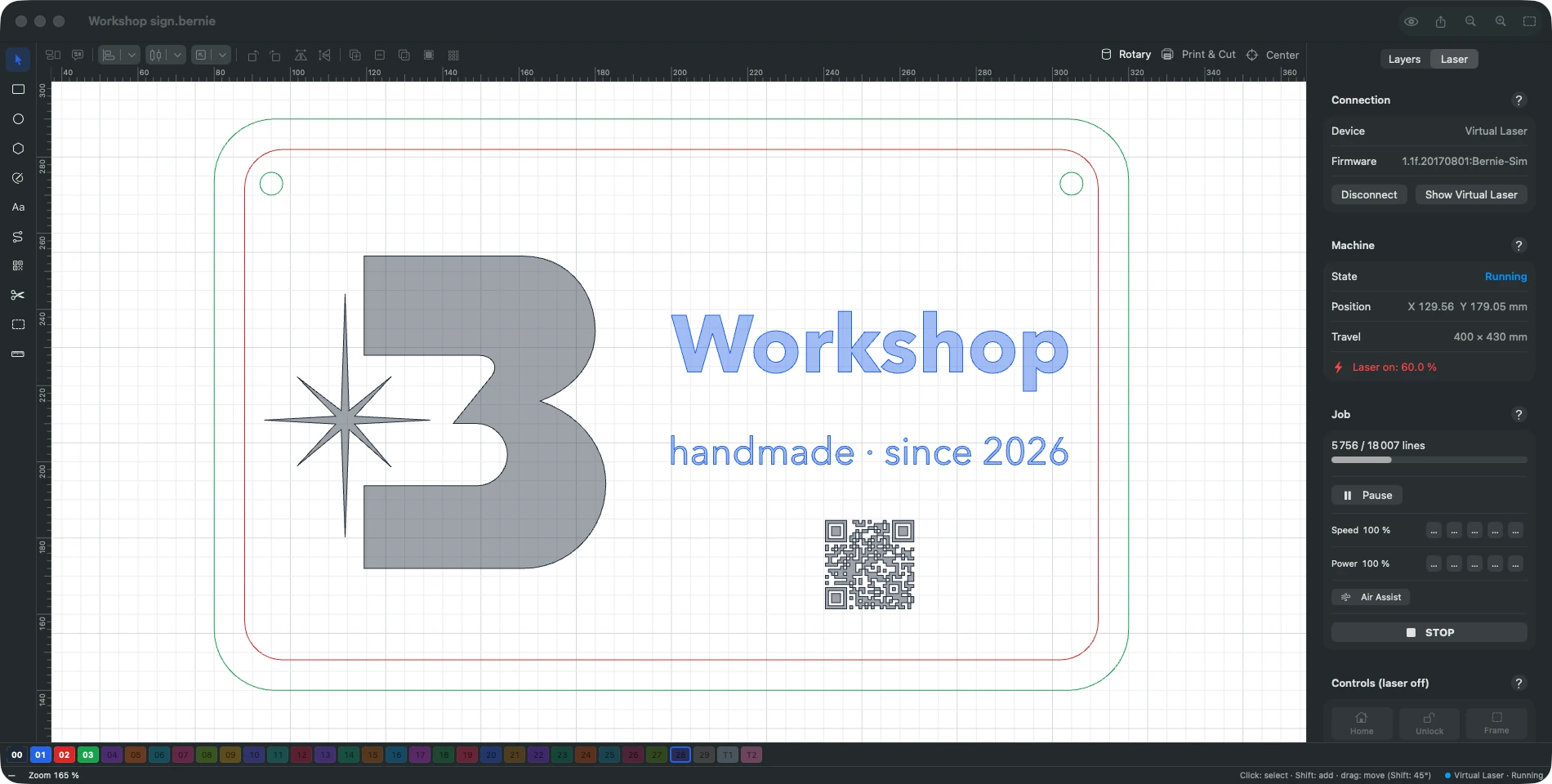
- During the job Pause, resume, speed and power overrides, “start from here” after an interruption.
- Job log Estimated and actual times, outcome, CSV export; console and macros.
Sharing the laser
- Hub mode (Mac) The Mac connected to the laser shares it on the local network, with a pairing code.
- Bernie Link A Raspberry Pi or a headless PC next to the machine acts as a relay — even to a Ruida.
- From anywhere iPad, iPhone, another Mac, the browser: status, progress, send, pause, stop.
Explore the other features
- Drawing & text A vector editor built for the laser
- Images & photos Photos that engrave as well as they look on screen
- Layers & materials Every colour, a setting. Every material, its recipe.
- Preview & safety Nothing goes to the laser without being checked
- Galvo & fiber Galvo marking, finally without the headache
- Camera & rotary Engrave exactly where you planned to
- Files & automation Your files come with you. So do your habits.
All this, for €0.
Every feature on this page is included, on every platform, for everyone.