The laser engraving blog, without the jargon.
Settings, materials, machines, news: articles written for people who engrave, from the very first test to small production runs.
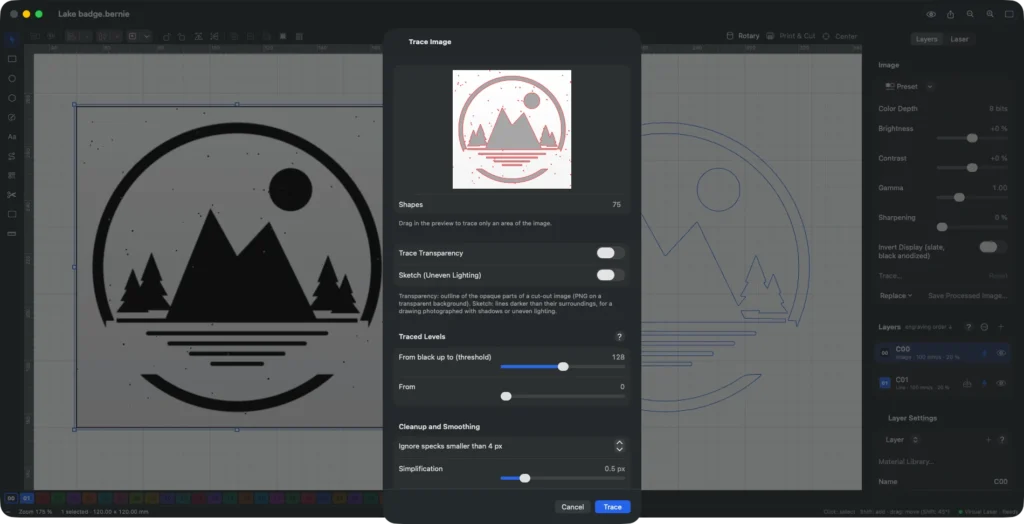
How to convert an image to vector for laser cutting and engraving
How to convert an image to vector for laser cutting and engraving: pick an image that traces well, set the threshold, clean up specks and smooth the outlines, then prepare the paths for a clean cut.
-
 Comparisons
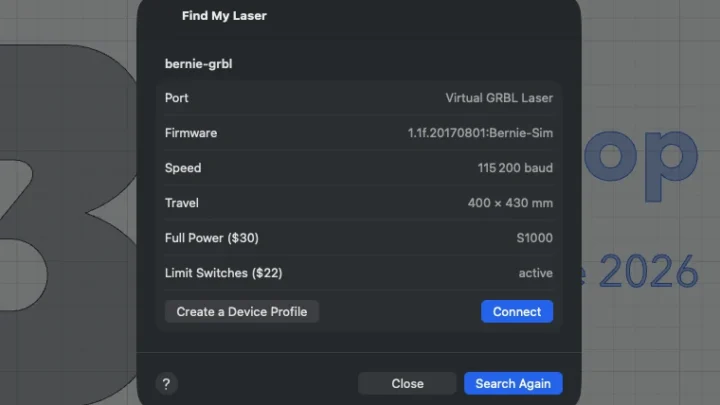
Diode vs CO2 Laser vs Fiber vs Galvo: Which One Should You Buy?
Diode vs CO2 laser, fiber or galvo: how each one works, what it engraves and cuts, what it costs in 2026, and which to choose for a first machine, a small business, metal marking or cutting.
-
 Guides
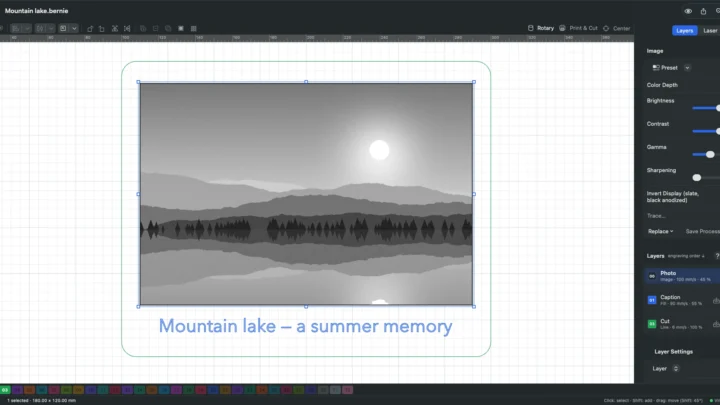
How to laser engrave a photo: prep, dithering, DPI and settings
How to laser engrave a photo that looks like the original: choose and prepare the picture, pick grayscale or the right dithering, match the DPI to your laser and material, then test on a scrap.
-
 Guides
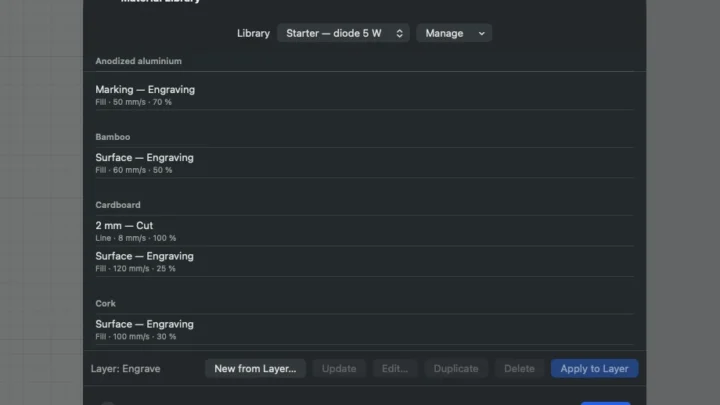
Laser Engraving Settings by Material: Speed & Power Chart
Laser engraving settings for 13 common materials, as starting points for 5–20 W diode and 40–60 W CO2 lasers, plus how speed, power, passes and line interval interact, and the test grid that turns a guess into your own setting.
-
 Comparisons
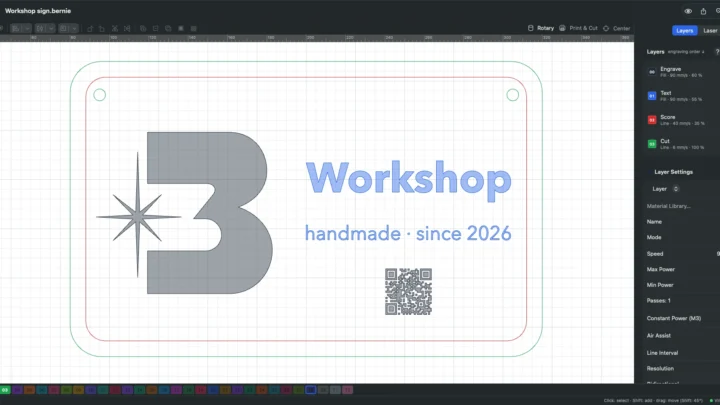
Free LightBurn Alternative: Why Bernie Is Worth the Switch
Bernie is a free LightBurn alternative that opens your .lbrn projects, ships 1,800+ material settings and runs on Mac, iPad, iPhone, Windows, Linux and the browser. Here is how it compares, and how to switch in an afternoon.