The Laser
Rotary
Rollers or chuck, axis and diameters, an unrolled template to go all around the object, and correction for tapered tumblers.
Laser menu › Rotary… (⇧⌘R): rollers or chuck, axis (Y, Z or A), distance per turn, diameters. The height of the design becomes a rotation of the object; “Test” makes one turn.
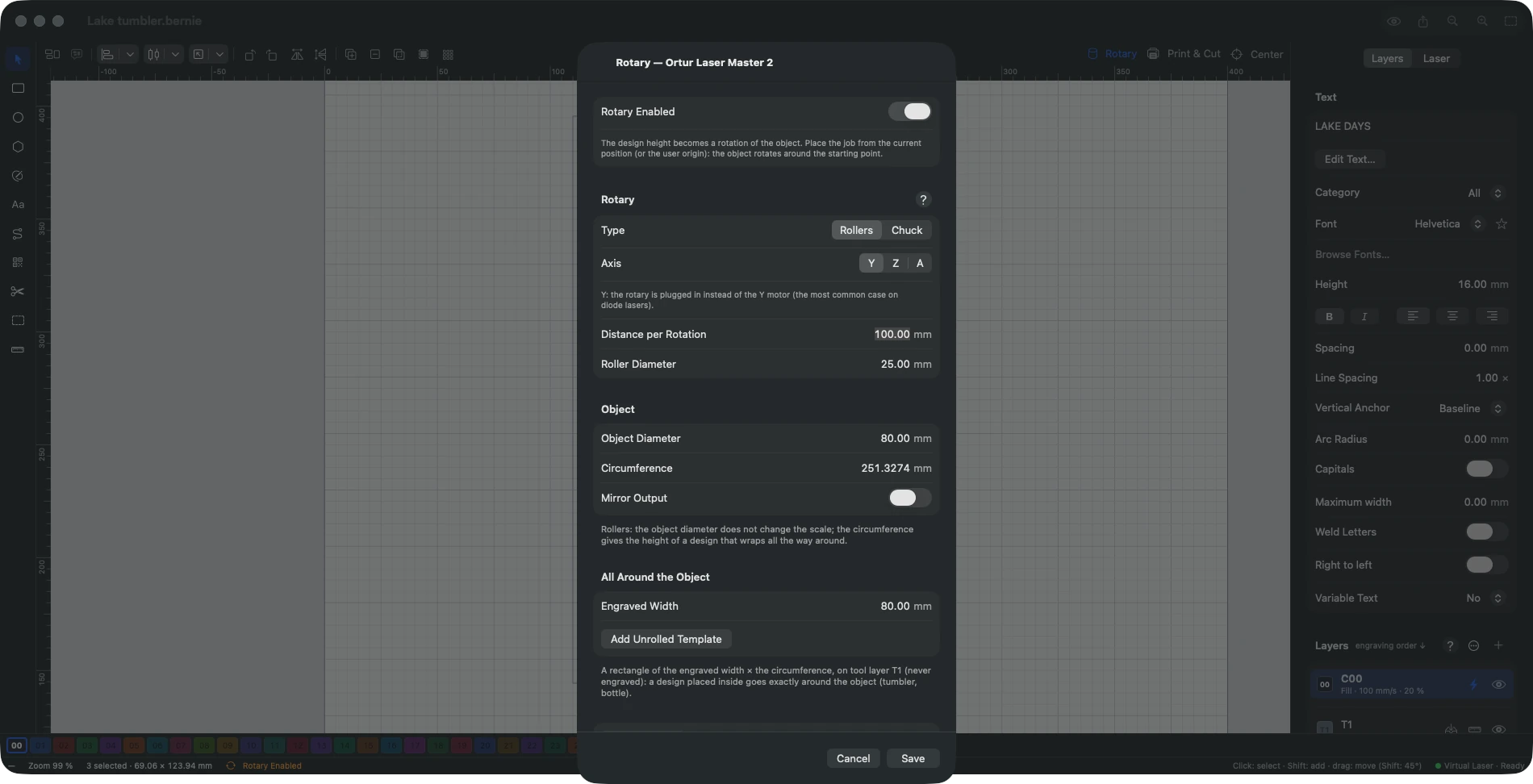
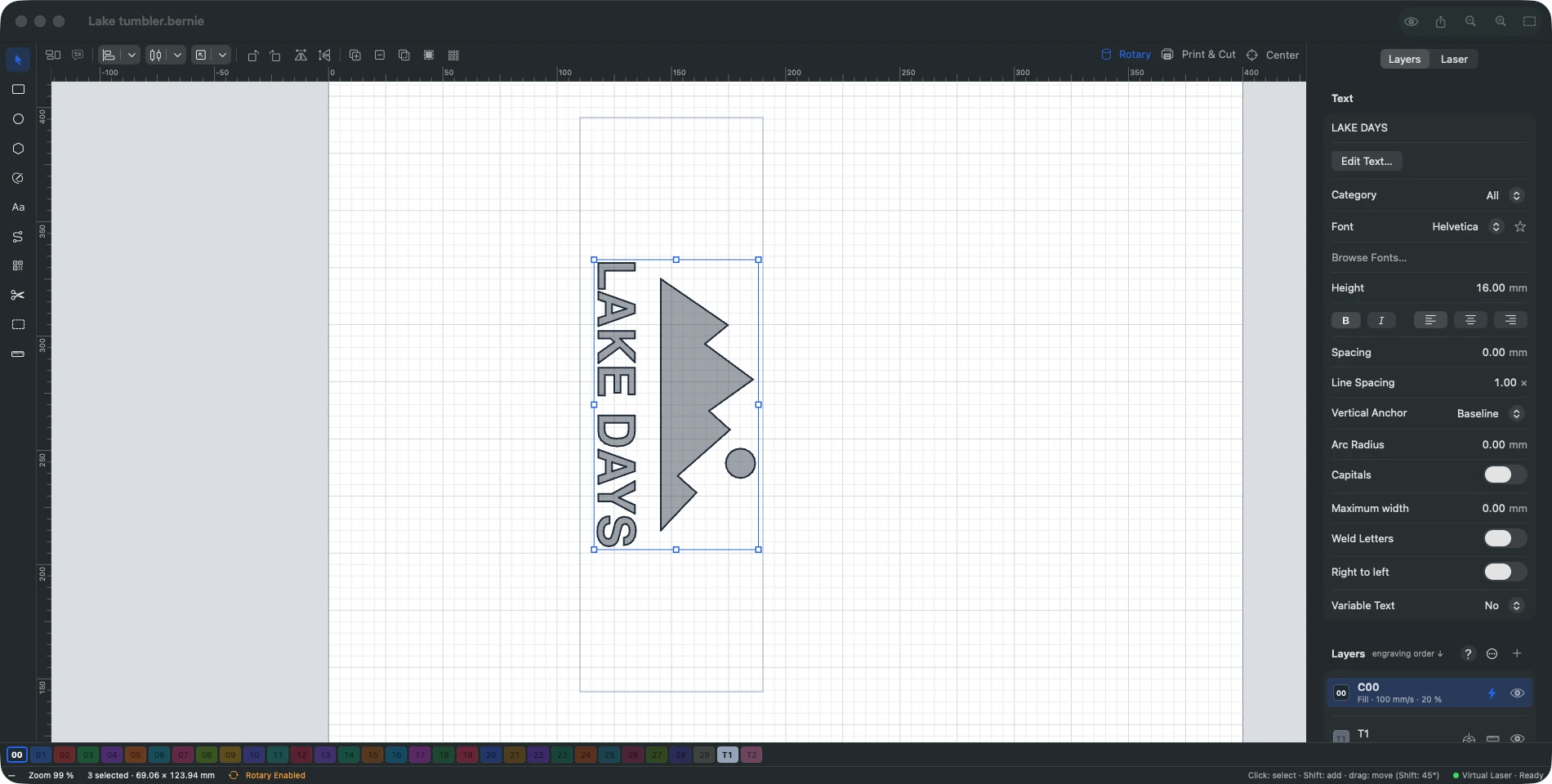
- All around the object: Add Unrolled Template places on tool layer T1 (never engraved) a rectangle of the engraved width × the object’s circumference; a design placed inside goes exactly around a tumbler or a bottle.
- Tapered object (Tools › Tapered Object…): on a flared tumbler or a cone, a wider section moves faster under the laser; the selected design is widened where the object is narrower and narrowed where it is wider. Give where the object’s top is on the design, the top and bottom diameters, the object length, the distance from its top to the design and the diameter the rotary is set for (the design keeps its size there).
- The rotary settings are saved with the project; on opening, if they differ from the active device’s, Bernie offers to use them.
This manual is also built into Bernie: press F1, or open the Help menu, to read the topic for what you are doing. A mistake, a missing answer? Tell us
Try it in Bernie, for free.
Free laser engraving and cutting software for diode, CO2, fiber and galvo lasers. Windows, Mac, Linux, iPad, iPhone and in the browser.