Camera & rotary
Engrave exactly where you planned to
A camera to see the work area, a rotary for round objects, Print & Cut for printed artwork: Bernie adapts to the object, not the other way round.
In detail
Camera
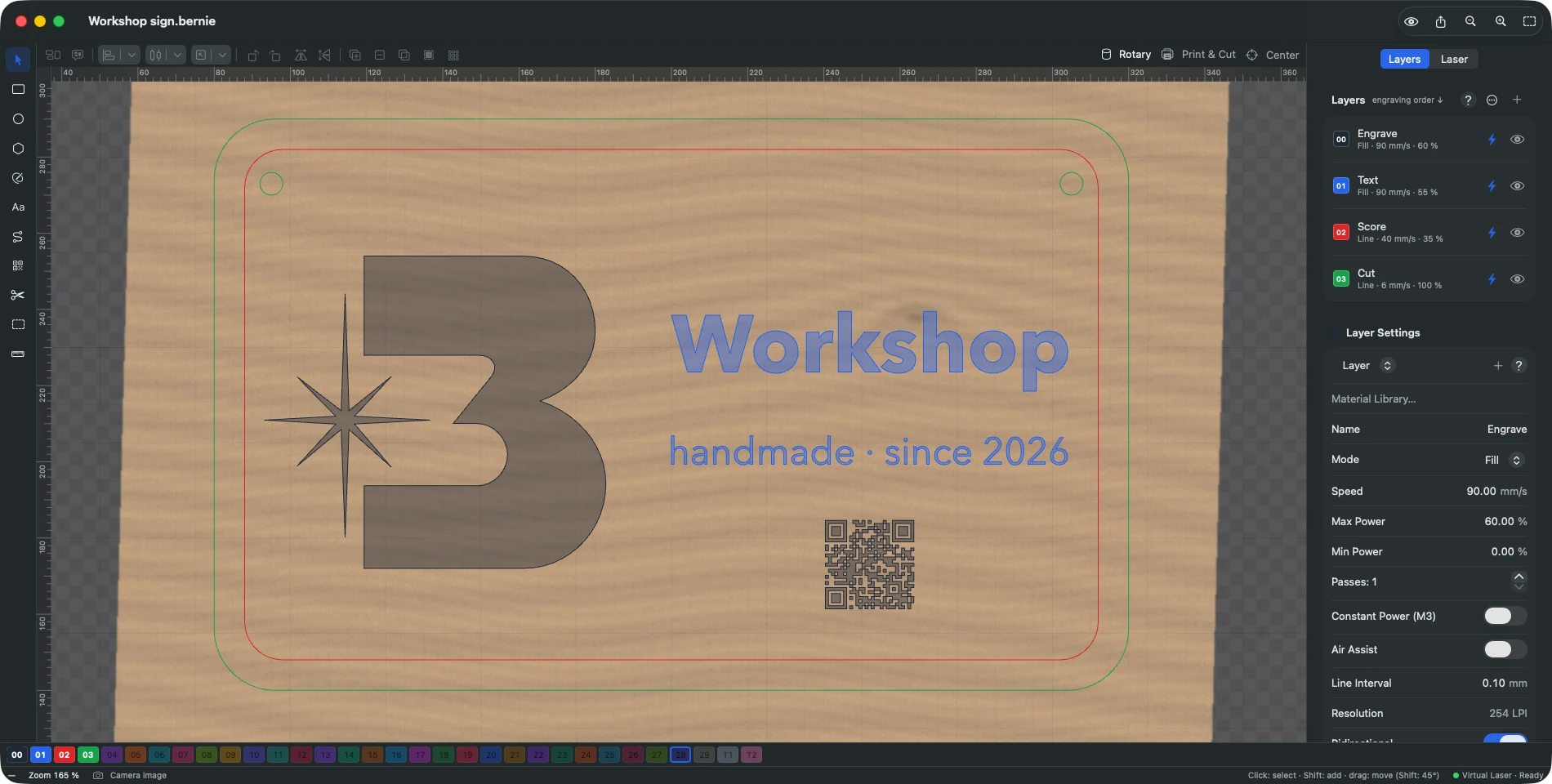
- The bed under your design USB or network (MJPEG) camera, a photo taken with your phone, the browser’s webcam.
- Automatic alignment With engraved coded markers, correcting the lens distortion.
- Material height One alignment per thickness, interpolated between heights.
- Several cameras Each with its own settings; a camera on the head with stitched captures.
- Result analysis The photo of the job compared with what was expected: offset, size, banding, uneven tone — with the likely causes.
Rotary
- Rollers or chuck Y, Z or A axis, distance per rotation, one-turn test.
- Unrolled template To engrave all the way around a tumbler.
- Tapered objects Supported, with settings saved in the project.
Print & Cut
- Cut around a print Two markers picked up with the head: the project is realigned, rotated and scaled.
- Resume a job Re-run a cut or pick up again at the right spot.
Centre of a part
- Three points are enough Centre of a round, square, hexagonal or triangular part; origin set at the centre.
Explore the other features
- Drawing & text A vector editor built for the laser
- Images & photos Photos that engrave as well as they look on screen
- Layers & materials Every colour, a setting. Every material, its recipe.
- Preview & safety Nothing goes to the laser without being checked
- Connection & control Your laser connected and under control in seconds
- Galvo & fiber Galvo marking, finally without the headache
- Files & automation Your files come with you. So do your habits.
All this, for €0.
Every feature on this page is included, on every platform, for everyone.