Layers
Sub-layers
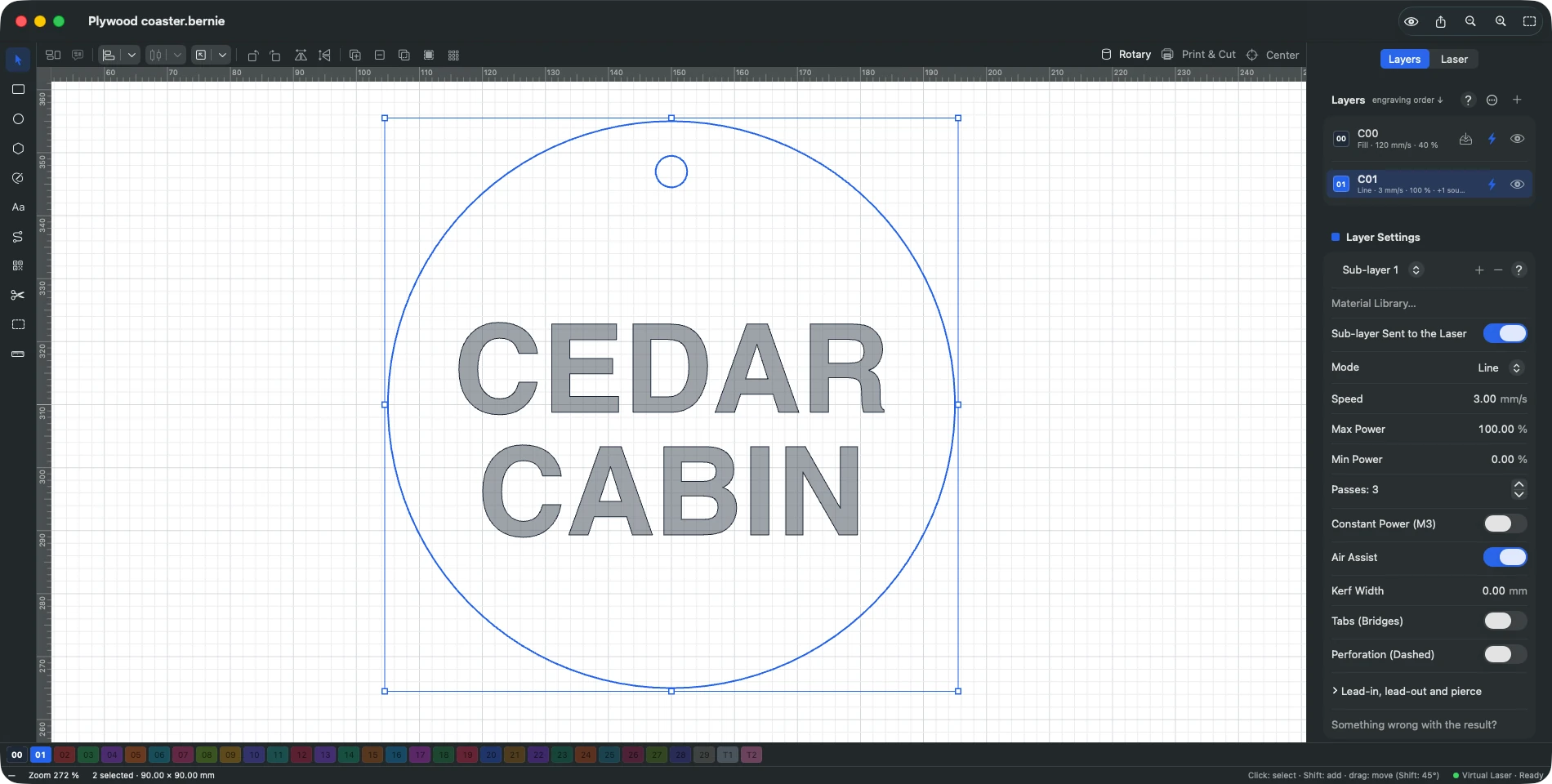
Apply a second set of settings to the same shapes — a fill then a clean outline — and repeat the whole sequence with global passes.
A sub-layer applies other settings to the same objects, after the layer: for example a fill, then an outline for clean edges. “+” button next to the “Layer / Sub-layer” choice in the settings. Global passes (layer settings, when it has sub-layers): the layer then its sub-layers, in order, repeated this many times — for example alternating fill and outline for deep engraving; the angle added per pass keeps turning from one repetition to the next.
This manual is also built into Bernie: press F1, or open the Help menu, to read the topic for what you are doing. A mistake, a missing answer? Tell us
Try it in Bernie, for free.
Free laser engraving and cutting software for diode, CO2, fiber and galvo lasers. Windows, Mac, Linux, iPad, iPhone and in the browser.