Layers
Perfect image engraving
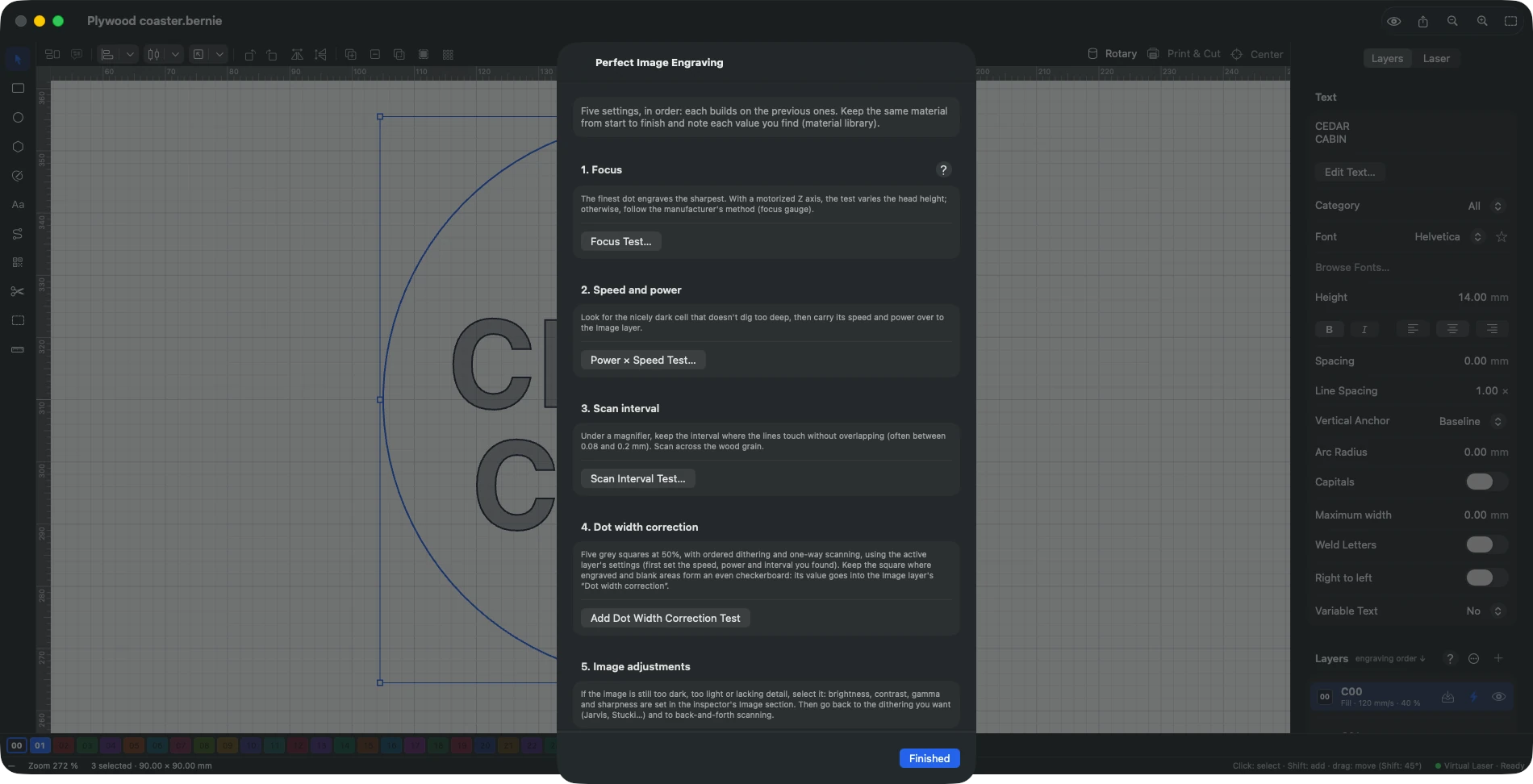
Five settings in the right order on the same material, each step opening the right test, for sharp and even image engraving.
Laser › Calibration Patterns › Perfect Image Engraving… guides the five settings, in order, on the same material: focus (Z height test), speed and power (a nicely dark cell that doesn’t dig too deep), scan interval (lines that touch without overlapping, under a magnifier), dot width correction (test above), then image adjustments (brightness, contrast, gamma, sharpness in the inspector). Each step opens the right tool; note each value found in the material library. In Bernie Studio: Laser panel › Perfect Image Engraving… (the focus test appears with a motorized Z axis, as does the material test’s “Focus: Z Height” preset).
This manual is also built into Bernie: press F1, or open the Help menu, to read the topic for what you are doing. A mistake, a missing answer? Tell us
Try it in Bernie, for free.
Free laser engraving and cutting software for diode, CO2, fiber and galvo lasers. Windows, Mac, Linux, iPad, iPhone and in the browser.