Getting Started
Interface tour
A short guided tour shows each area of the window in turn, without changing the project; start it again from the Help menu at any time.
At the end of the Bernie tour, Interface tour afterwards (on by default) leads into a short tour: the rest of the window dims and a bubble shows in turn the tools, the workspace, the colors (one color, one layer), the layer settings, the Laser panel and the status bar. Next and Back move from one area to the next, End Tour (or Esc) closes it; nothing in the project changes. If you chose the material test, its window opens when the tour ends.
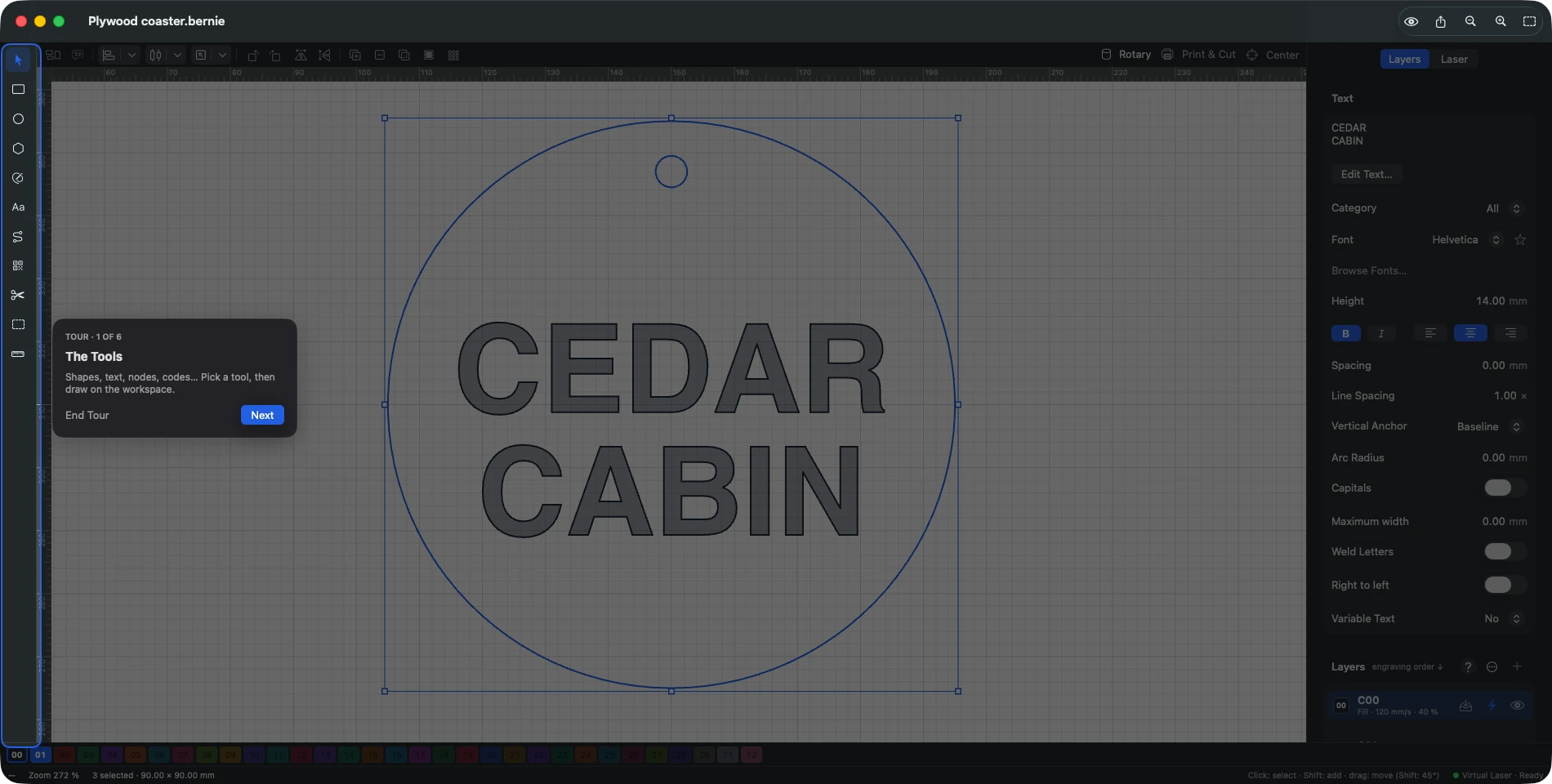
To take it again: Help › Interface Tour, or Settings › General › Interface Tour (on iPad, in Preferences). In Bernie Studio and the desktop app, the tour shows the tools, the workspace, the layers, the Laser tab and the status bar; start it from Help › Interface tour. On iPhone, the short Bernie tour offers no interface tour.
This manual is also built into Bernie: press F1, or open the Help menu, to read the topic for what you are doing. A mistake, a missing answer? Tell us
Try it in Bernie, for free.
Free laser engraving and cutting software for diode, CO2, fiber and galvo lasers. Windows, Mac, Linux, iPad, iPhone and in the browser.